

Creative CTRL is a creative direction course for founders who want to plan more strategic brand shoots and creative campaigns.
You’ll learn how to turn your ideas and brand story into a clear concept, moodboard, creative brief, shot list, and asset plan your creative team can actually execute.

You know when you love something. You can tell when a brand feels so freaking good andddd... You probably know within three seconds when something feels off.
But turning what’s in your head into a clear creative direction? That’s where the second-guessing starts.
Creative CTRL gives you a process for turning your story into creative decisions.
Creative CTRL teaches you how to hold that vision clearly enough to lead the people helping you create it.
A photographer can create incredible images.
They can’t know you need a horizontal website hero, six weeks of launch content, custom stock for your emails or vertical B-roll unless you plan for it.
And they can’t decide what your brand should communicate for you.
that's your job as creative director.
Your photographer isn’t there to plan the vision. They’re there to capture it.
Your photo-grapher isn’t there to plan the vision. They’re there to capture it.


Because Content gives you something to post, but Assets give you something to build with.
You can spend thousands on a brand shoot, get hundreds of gorgeous photos back and still find yourself saying:
“Wait… why don’t I have anything I can use here?”
Too many portraits.
No room for copy.
Nothing horizontal.
Barely any video.
No custom stock.
Nothing created specifically for the offer you’re launching.
Creative CTRL helps you plan the media before anyone picks up a camera.
pretty photos aren't the problem
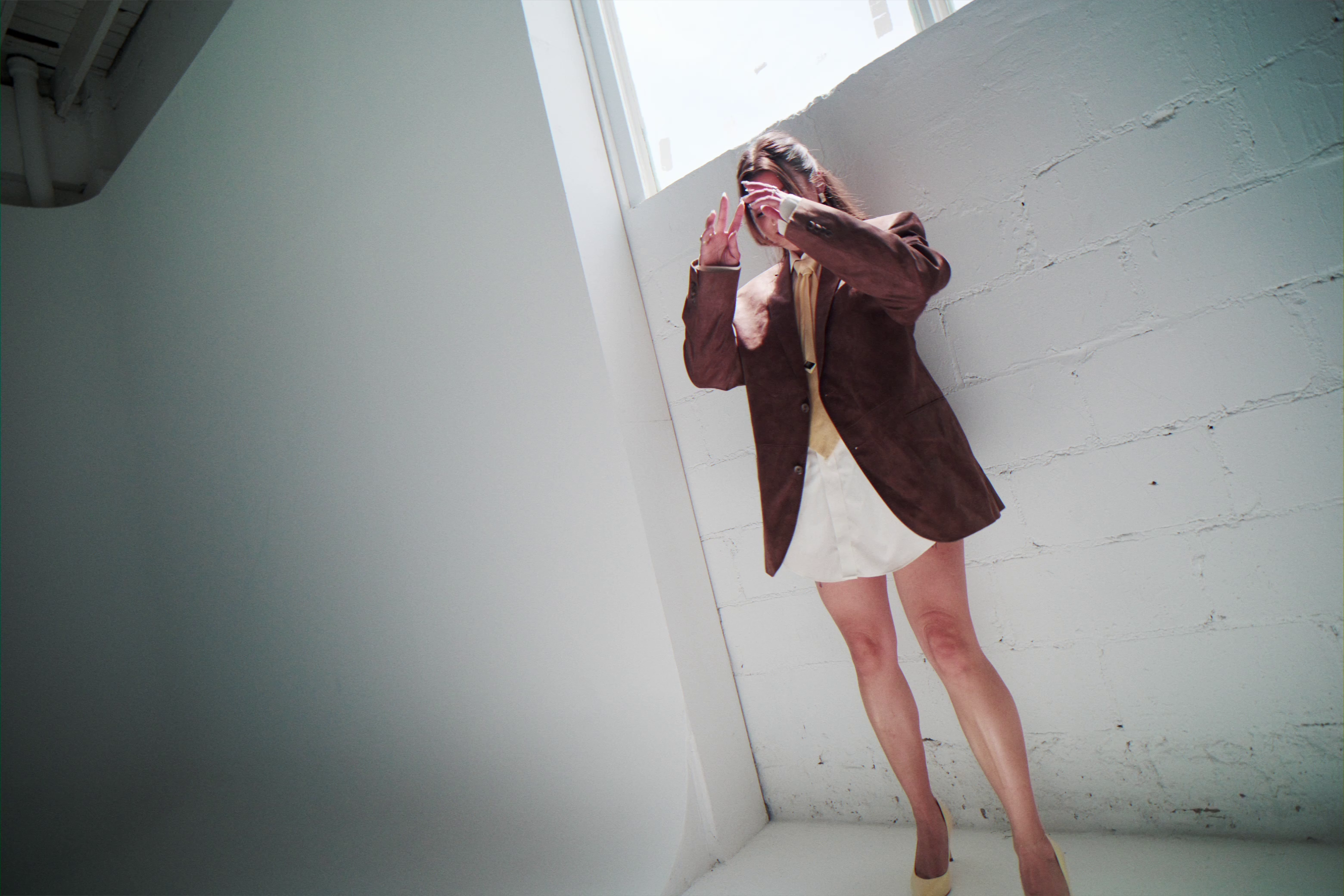

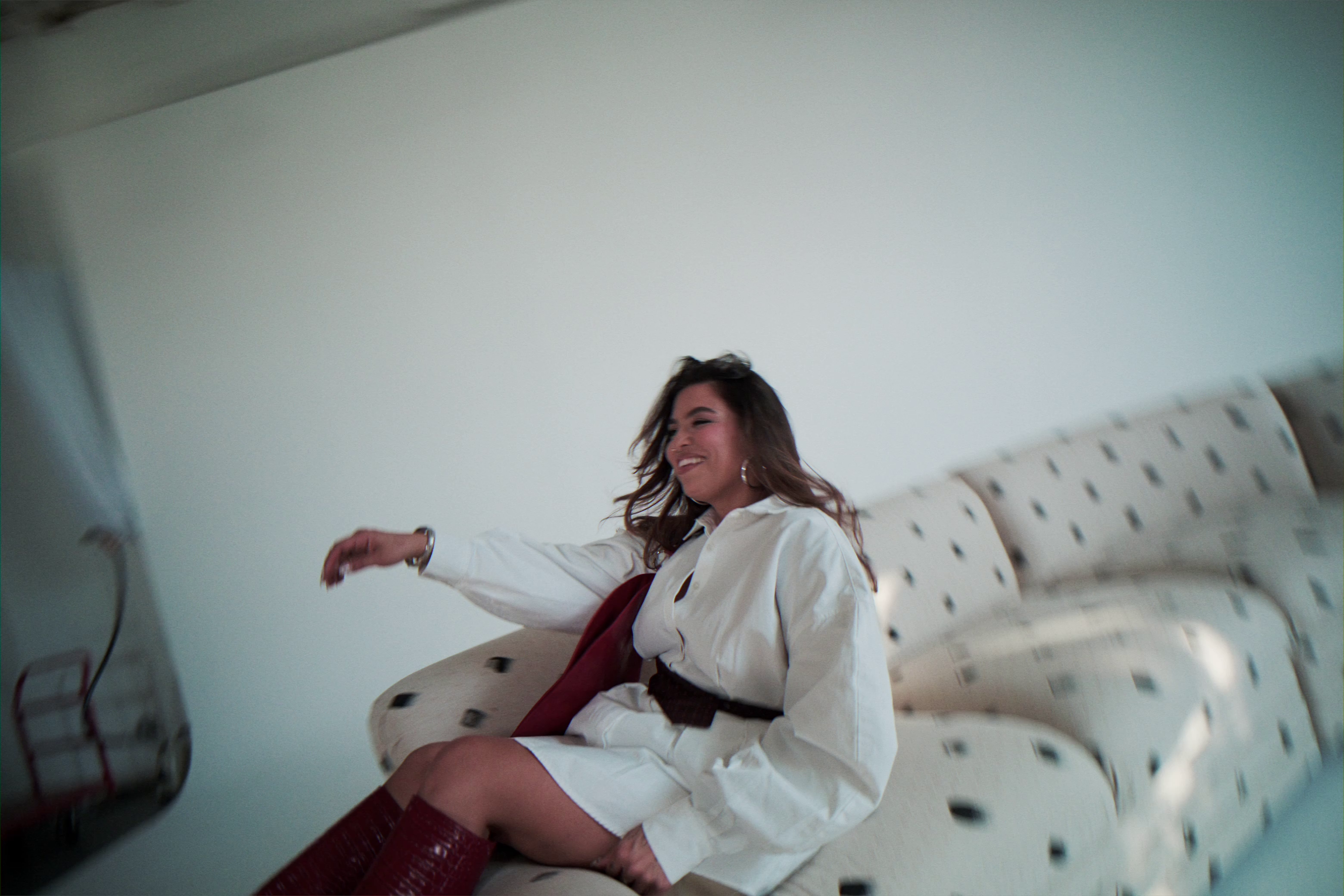
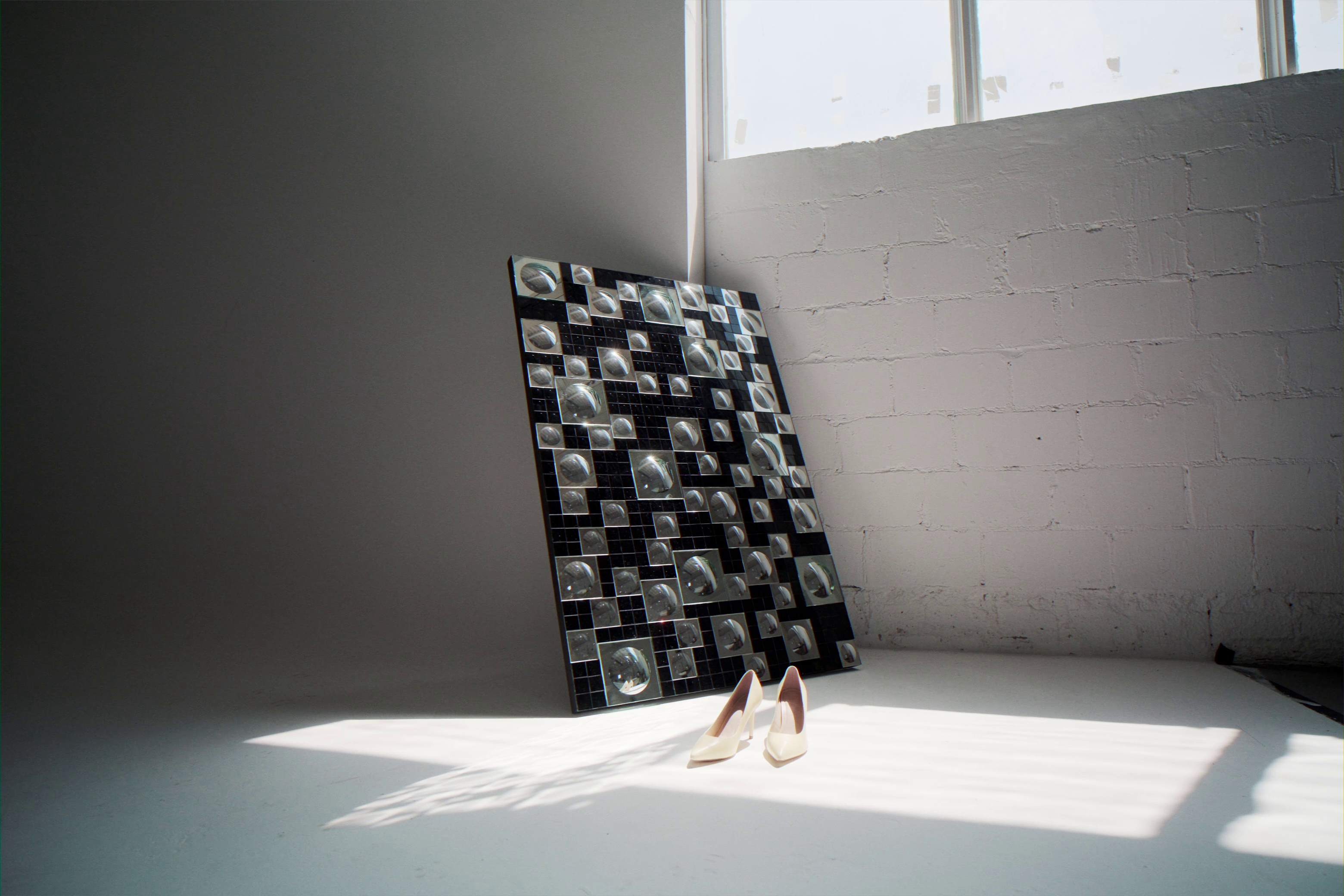

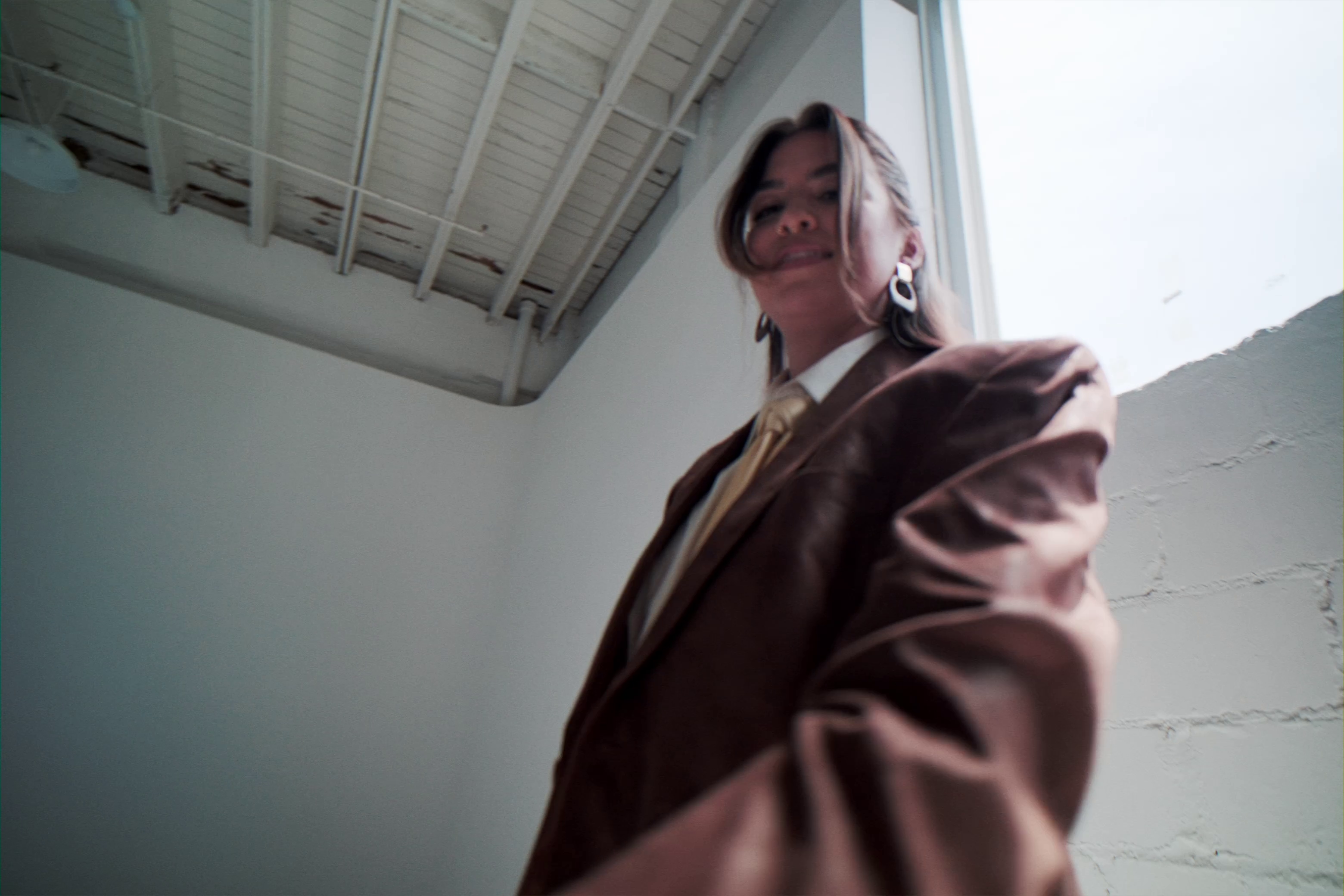
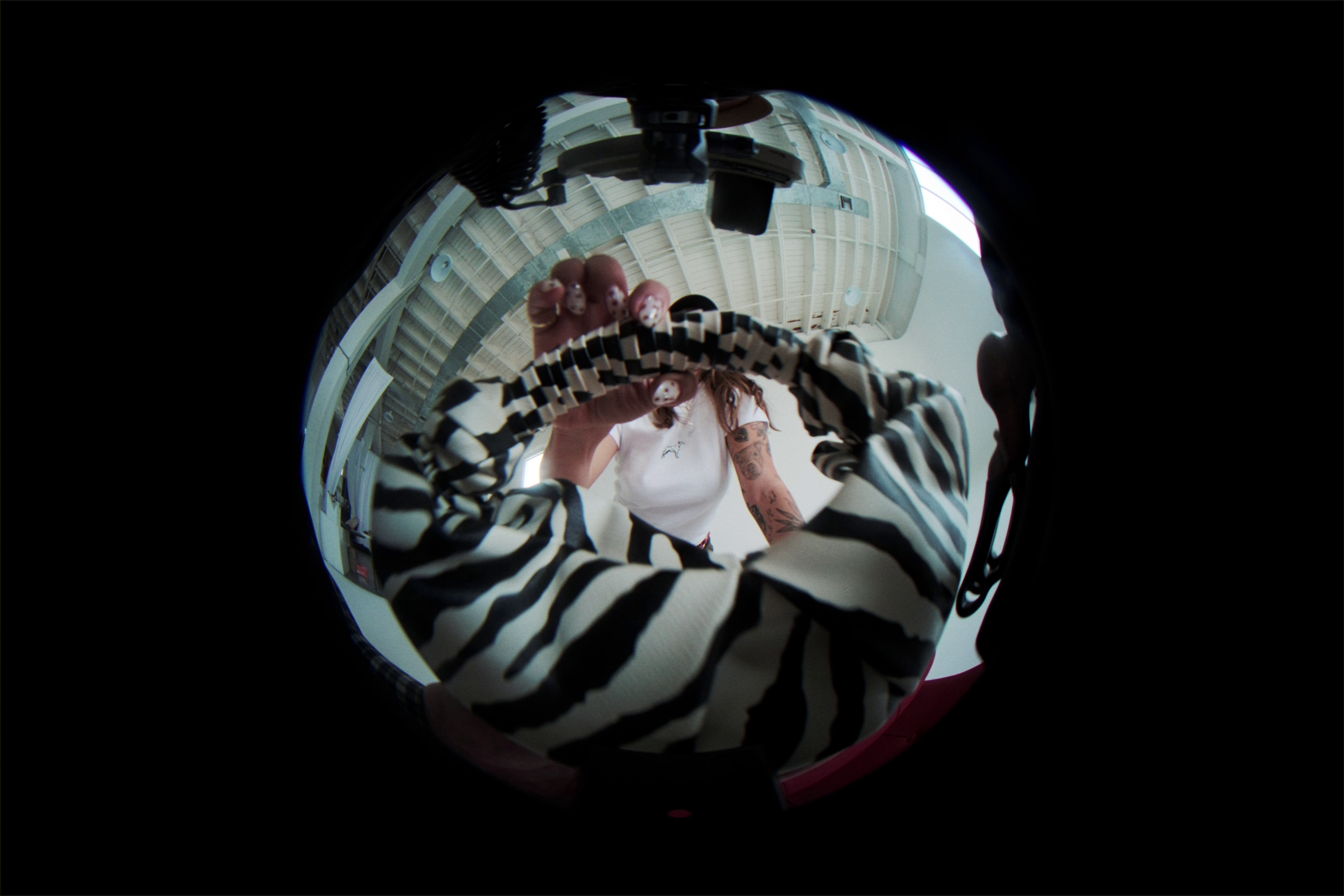
Before you search for outfits, poses or locations, you’ll learn how to find your own creative material.
Then I’ll show you how to turn those threads into original ideas.
The things you notice.
The references you keep returning to.
Your memories, interests and lived experiences.
The feelings you want your brand to create.
The weird little details that make your brain go OOOH.
And no, we’re not starting with
Pinterest.

From "I like this" to "I know exactly why this belongs"
→ Find your creative instincts and build a system for capturing ideas.
→ Find your story and decide what you want people to know, feel and remember.
→ Find your white space by seeing what your industry keeps repeating and where there’s room to do something different.
→ Develop your concept by connecting inspiration to something your brand actually needs to communicate.
→ Build the visual world through your moodboard, location, styling, props and details.
→ Plan the assets your website, sales pages, emails, social content and campaigns actually need.
→ Lead the vision with a Campaign Brief, strategic shot list and clear direction for your collaborators.
inside of creative ctrl, you'll learn how to...

Here's how we're taking you from idea to execution
module 1
Take Creative CTRL
Learn what creative direction actually does for your brand, audit the visual story you’re telling now and start spotting the harmony (and dissonance) shaping how people experience your brand.
module 2
Become Your Own Creative Director
Learn how to tap into your creative instincts, develop your taste, follow ideas beyond the obvious and find the story underneath your brand — then build simple systems to keep those ideas coming.
module 3
Plan Your Creative Campaign
Turn your story and strategy into a clear creative concept, then build the moodboard, styling, location, props, shot list and asset plan around it. By the end of this module, your Campaign Brief is built.
module 4
Execute the Vision
Find the right collaborators, communicate and protect your vision on set, show up prepared and organize your final media so the assets you worked so hard to create actually get used.


✧ You know how to generate and develop your own ideas.
✧ You can turn your message into a visual concept.
✧ You know what belongs in the world you’re creating.
✧ You plan media around how your business will actually use it.
✧ You can clearly brief and lead your collaborators.
✧ You leave with a useful library of photo and video assets.
✧ And you have a creative system you can use again for the next campaign.
after creative ctrl
✧ Searching “brand photoshoot” on Pinterest.
✧ Saving references without knowing why you like them.
✧ Choosing locations and props because they look cool.
✧ Expecting your photographer to figure out the vision.
✧ Getting 400 variations of your face.
✧ Realizing afterward that you’re missing half the media you needed.
✧ Starting from scratch again next time.
BEFORE CREATIVE CTRL

Why you’re shooting.
What you’re communicating.
What your business needs.
What the concept is.
What the world looks like.
What needs to be captured.
So if something isn’t working on set, you don’t have to awkwardly say, “I don’t know… I just don’t like it.”
You can explain why.
by shoot day,
you know exactly what you're creating
Your creative capture system.
Your brand library.
Your visual audit.
Your Campaign Brief.
Your concept development process.
Your strategic shot-list process.
You are building something you can use long after the shoot.
Your next shoot doesn’t start from zero.
-crystal
This changed my entire perspective on how I see brand shoots. I take ownership of my photos now. I see the strategy and value of what it can provide beyond just cute photos for my instagram. I will never look at my brand the same because of this course.
-natalie
I have done brand shoots, but nothing with this much clarity, for myself or for the photographer. I'm so excited to plan my next one. This already gave me SO many ideas for how I want to execute it & how to make it worth the time, money, and energy.
-melanie
This is pure creative genius! I wish I had this before my brand shoot because I was definitely stuck in headshot only mode and I feel like I have no assets.
Jess (Not Jessie)
I’ve spent my career figuring out how a story gets translated visually.
I started as a florist and calligrapher in the wedding industry, became a brand and web designer, and eventually worked as a fractional CMO and strategist for 7- and 8-figure brands.
Those roles looked wildly different, but they taught me the same thing: strong creative work starts long before the camera comes out.
Creative direction is how you take what you know about your brand, your audience and what you’re trying to communicate and turn it into a plan your creative team can actually execute.
That’s what I’m teaching you inside Creative CTRL.
✧ Meet Your guide ✧
Founder of Disregard Studio, creative strategist, and your guide to thinking like a Creative Director.


Creative CTRL is a creative direction course for founders who want to turn the vision in their head into a clear plan for their brand shoots and creative campaigns. You’ll learn how to develop your ideas, build a concept, plan the assets your business actually needs, and communicate your direction to the people helping you bring it to life.
Creative CTRL is for founders and personal brands who care about how their business shows up visually but don’t always know how to turn their ideas into something they can execute. If you have a million saved images, know what you like when you see it, or have a vision you struggle to explain to your photographer, you’re in the right place.
Nope. You don’t need a design background or some magical creative gene. Creative CTRL teaches you how to notice what catches your attention, develop those ideas further, and make intentional creative decisions instead of staring at Pinterest hoping inspiration strikes.
Perfect. Having the vision is only part of the job. Creative CTRL helps you turn that vision into a concept, moodboard, asset plan, shot list, and creative brief so the people you hire can actually execute it.
Your photographer is there to create great photography. They can help with lighting, composition, posing, movement, and bringing their expertise to the shoot, but they don’t know what your business needs unless you tell them. They can’t shoot what you haven’t planned. Creative CTRL teaches you how to walk in with that plan.
While brand shoots are the focus, you’ll learn creative direction skills you can use across brand shoots, launches, campaigns, content, and future creative projects. The course uses your brand shoot as the place where you learn to put those skills into practice.
You’ll leave with the strategy and plan for your shoot, including your creative concept, moodboard, location direction, props, asset needs, shot list, creative collaborators, and shoot-day plan. You’ll also have a Campaign Brief you can use to communicate the vision to your team.
Yes. The goal is for you to know how to do this again. You’ll have a process for finding ideas, developing concepts, planning useful brand media, briefing collaborators, directing the vision, and putting the finished assets to work in your business.
What if I already know how I want my brand to look?
Isn’t my photog supposed to handle the creative direction?
What is Creative CTRL?
Who is Creative CTRL for?
Do I need to be a designer or naturally creative?
Is Creative CTRL only for brand photoshoots?
What will I have by the end of Creative CTRL?
Can I use this process for future shoots and campaigns?
frequently asked questions
